The right sail to take off, enough water under the foil, and a session that counts your flight time and your speed.

Session recording, on the watch and on the phone, is in beta.
Record your session and relive it on the map, with the measured wind when a station records it: free. Or import it from your GPS watch →
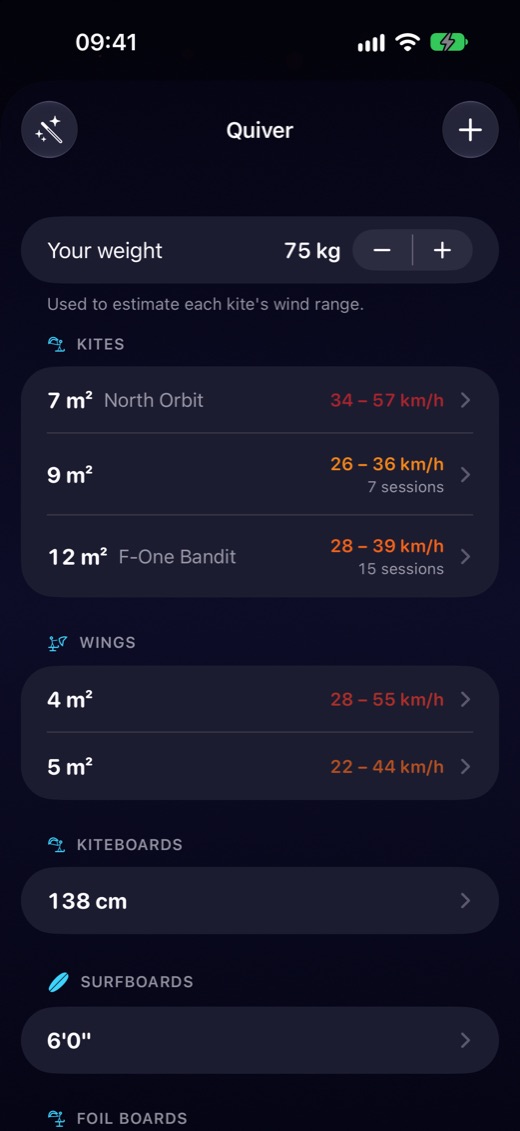
Tide It reads your wind range from your quiver: your sails, your board, learned from your sessions. With no sail saved, the standard windfoil range for your level. Wind mode tells you if the hour you're reading is good, too light, too strong, or offshore, and the GO window takes into account the water you need under your foil.

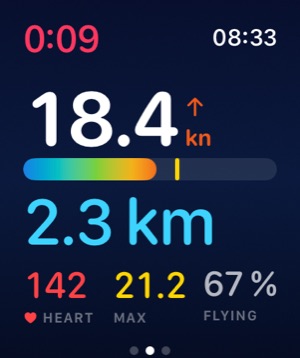
On the Apple Watch, the foil screen shows your top speed, the share of your session spent foiling and your longest flight. In windfoiling, a take-off counts from 3 seconds above 9 knots.

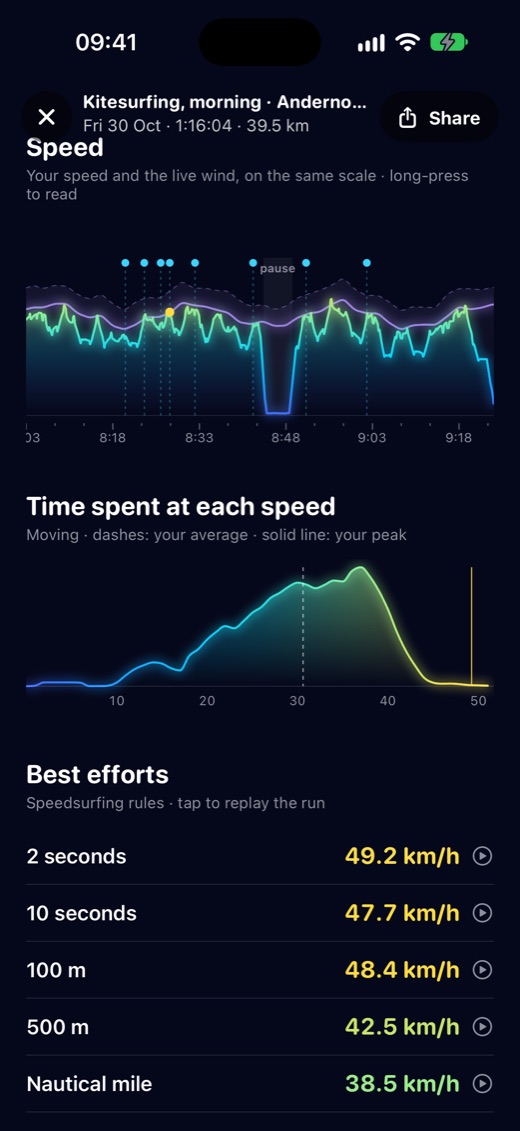
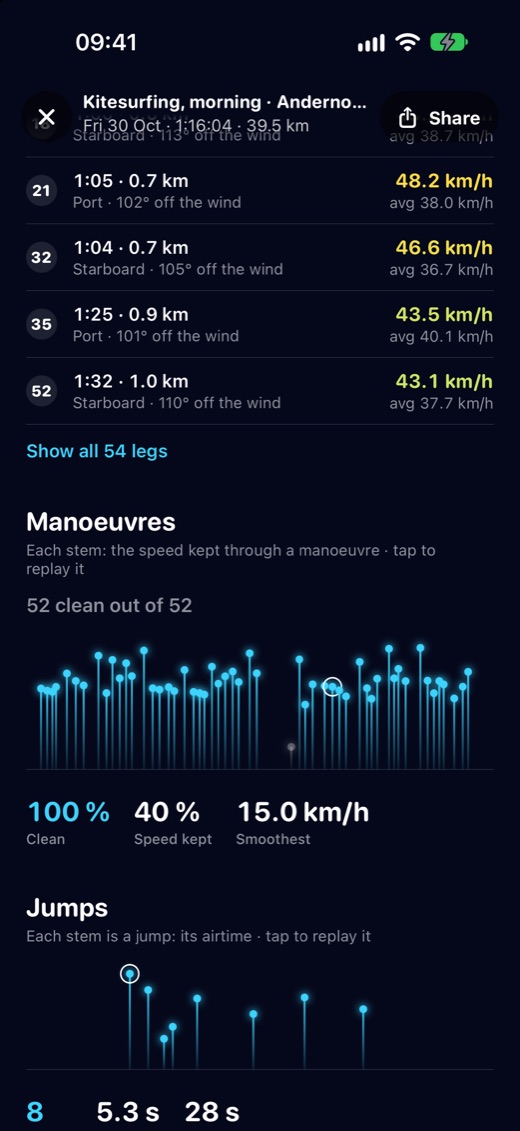
Relive replays your session with the real wind, for free. With Premium: your best efforts over 2 s, 10 s, 500 m and the nautical mile, your tacks and jibes foiled through or not, your distance foiling and your polar against the real wind.


It depends on your sails and your level: Tide It reads your range from your quiver, or uses the standard windfoil range for your level, lower than for windsurfing.
In windfoiling you're foiling above 9 knots, and you're back down 1.5 knots lower. A take-off counts if it lasts at least 3 seconds.
Turn it on in Settings ▸ My activities, with your level: it then shows up in the GO windows and on the watch.