Know if it's on before loading the car, record your session on your wrist, then relive it with the wind that really blew.

Session recording, on the watch and on the phone, is in beta.
Record your session and relive it on the map, with the measured wind when a station records it: free. Or import it from your GPS watch →
Where to kitesurf, month by month: seasons of the big destinations →
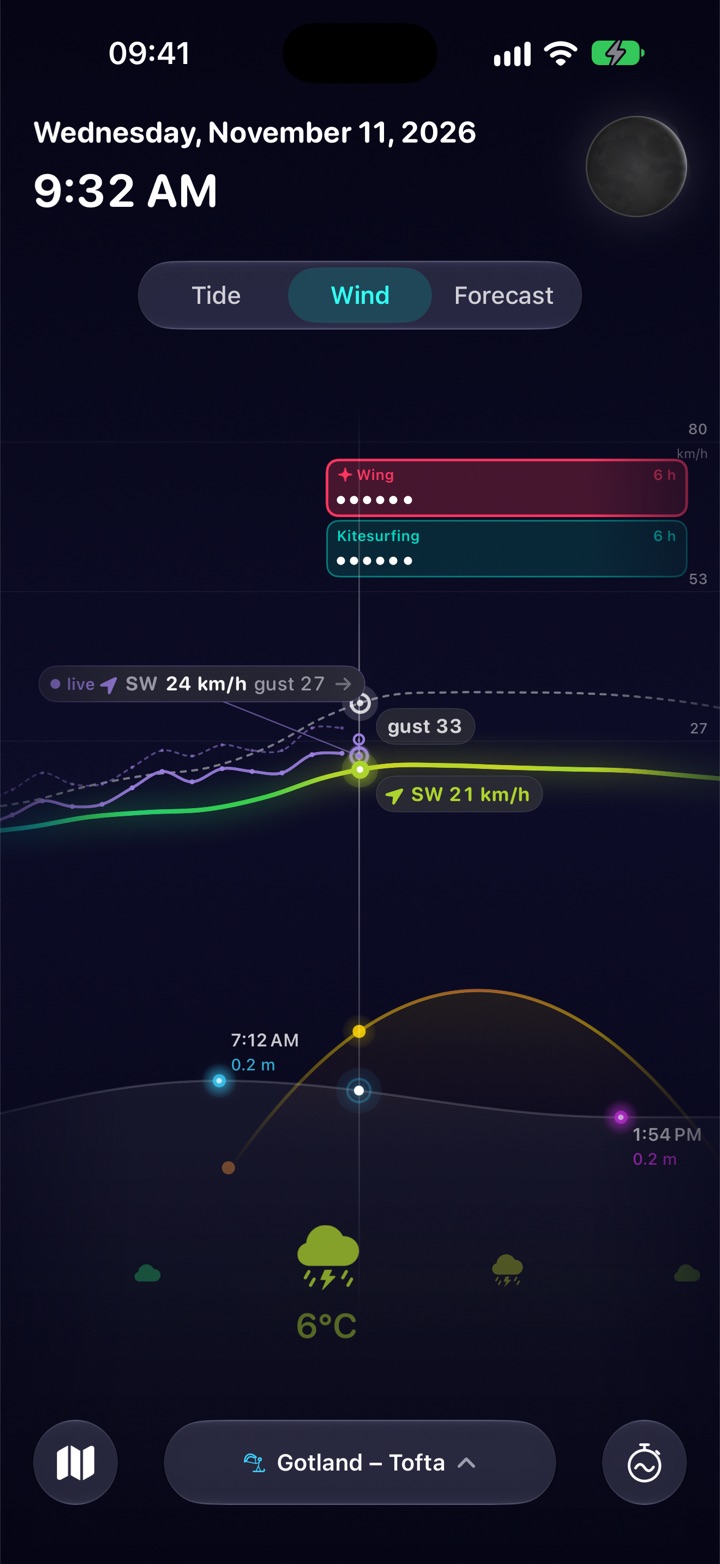
Tide It reads your wind range from your quiver: from the bottom of your biggest kite to the top of your smallest, learned from your sessions. With no kite saved, the standard range for your level. Wind mode gives you a verdict for the hour you're reading: good conditions, too light, too strong, or offshore.

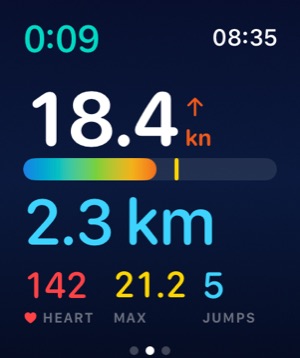
Start the session on your Apple Watch: top speed, number of jumps and longest airtime, live on your wrist. When you get back, the session is waiting on your iPhone.

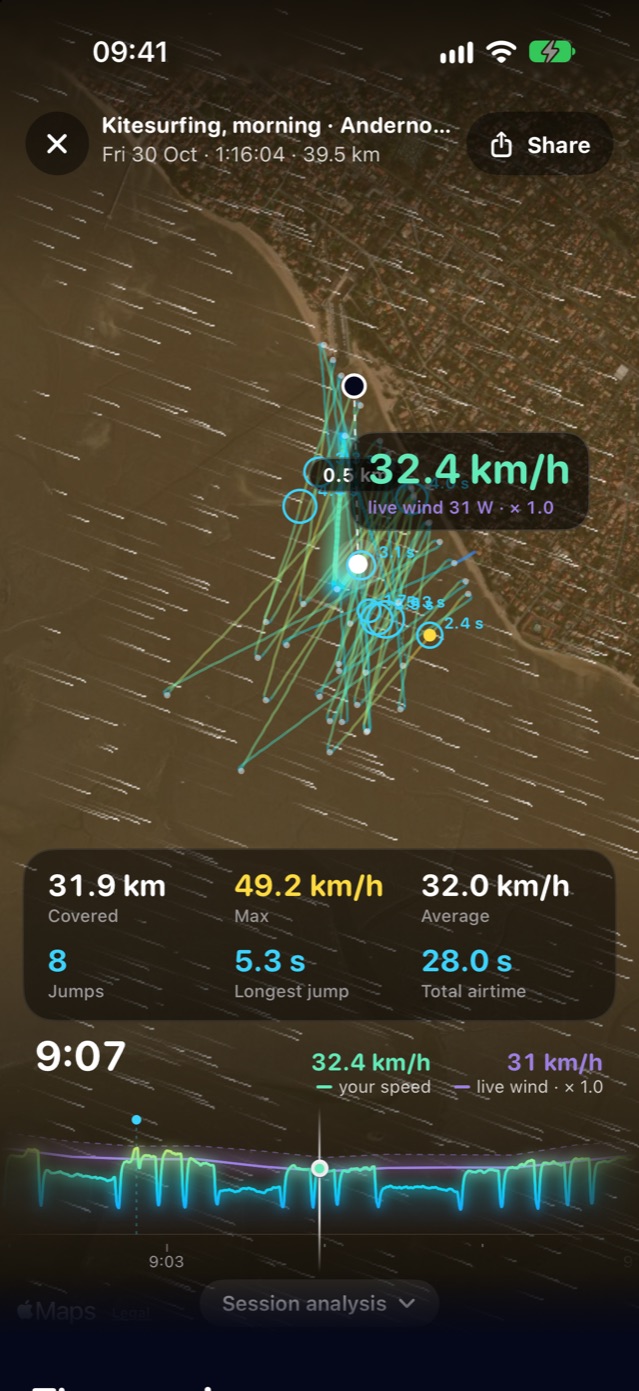
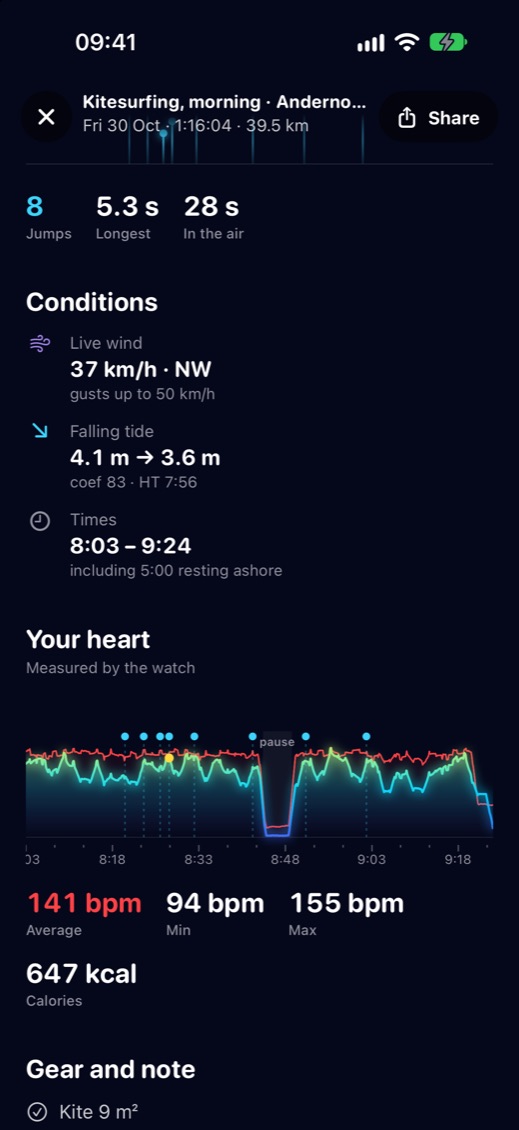
Relive replays your track with the wind measured by the station while you rode, for free. With Premium, the analysis: your jumps and their airtime, your best efforts over 2 s, 10 s, 100 m and 500 m, your polar against the real wind and your transitions.


Your kites' range: Tide It reads it from your quiver and refines it with your sessions. With no kite saved, it uses the standard range for your level, from beginner to expert.
The reading from the station closest to the spot, 15 km away at most, with its age. It shows next to the forecast, never mixed into it. It's part of Premium.
No: the iPhone records your session too, and you can import your GPX, FIT or TCX files. The watch adds jumps and airtime.