Swim when the sea is flat, with no storms and in water you're happy with, at sea or in a lake, then look back at your pace and your strokes.

Session recording, on the watch and on the phone, is in beta.
Record your session and relive it on the map, with the measured wind when a station records it: free. Or import it from your GPS watch →
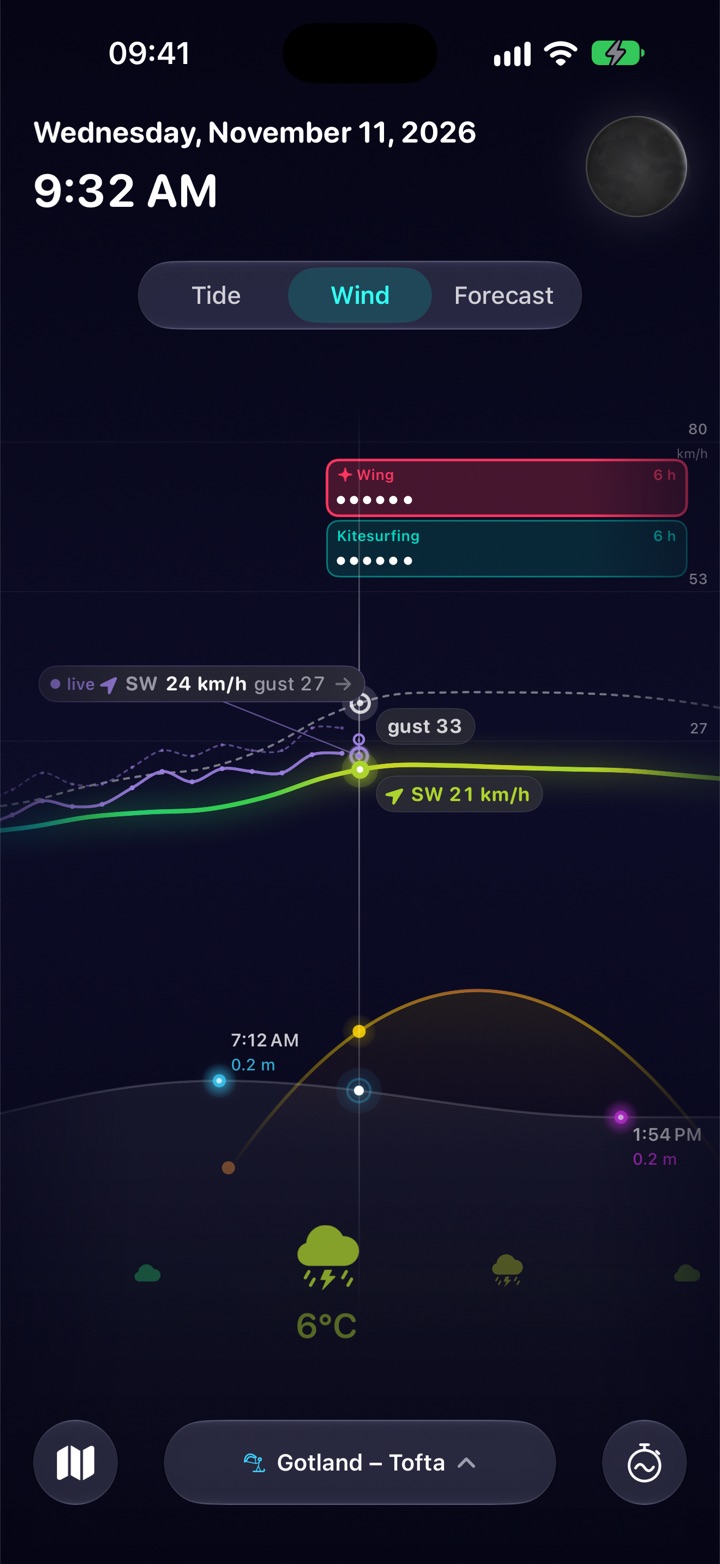
By default, a GO window opens below 20 km/h of wind and 0.5 m of waves, two thresholds you set. Two rules come on top: never in a storm, and never in water colder than your minimum, 14 °C by default, which you lower if you swim in cold water. On a lake with no forecast water temperature, the water closes nothing.

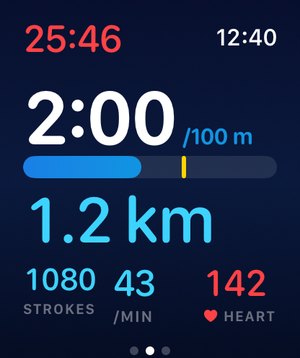
Start the session on your Apple Watch: it records it as an open water swim in Health and locks the screen as you get in. On your wrist, your pace per 100 m in big, your strokes, your stroke rate and your heart rate.

Relive replays your track, for free, with your pace per 100 m and your strokes. With Premium, the detail of your swim: time swum, pace, best 100 m, time for each 100 m, stroke rate, distance per stroke, the strokes your watch recognised (freestyle, breaststroke, backstroke, butterfly) and, on an Apple Watch Ultra, the measured water temperature.
Tide It suggests no hour in water colder than your minimum: 14 °C by default, which you set from 0 to 26 °C in the swimming settings.
From the Apple Watch itself: in an open water swim, it counts your arm strokes and recognises your stroke. Tide It uses what it measured, without guessing anything.
Turn it on in Settings ▸ My activities: it then shows up in the GO windows and on the watch.