Go out when everyone else stays on the beach, with enough water under the foil, and finally count your minutes in the air.

Session recording, on the watch and on the phone, is in beta.
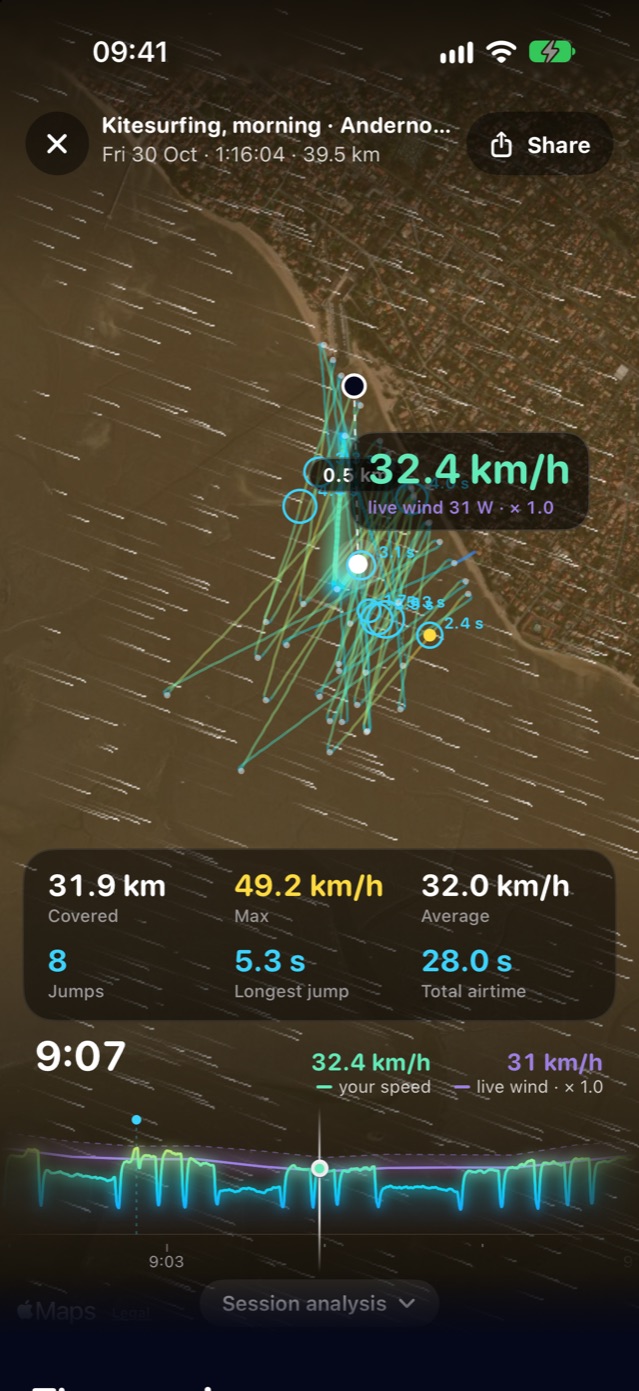
Record your session and relive it on the map, with the measured wind when a station records it: free. Or import it from your GPS watch →
Where to kitesurf, month by month: seasons of the big destinations →
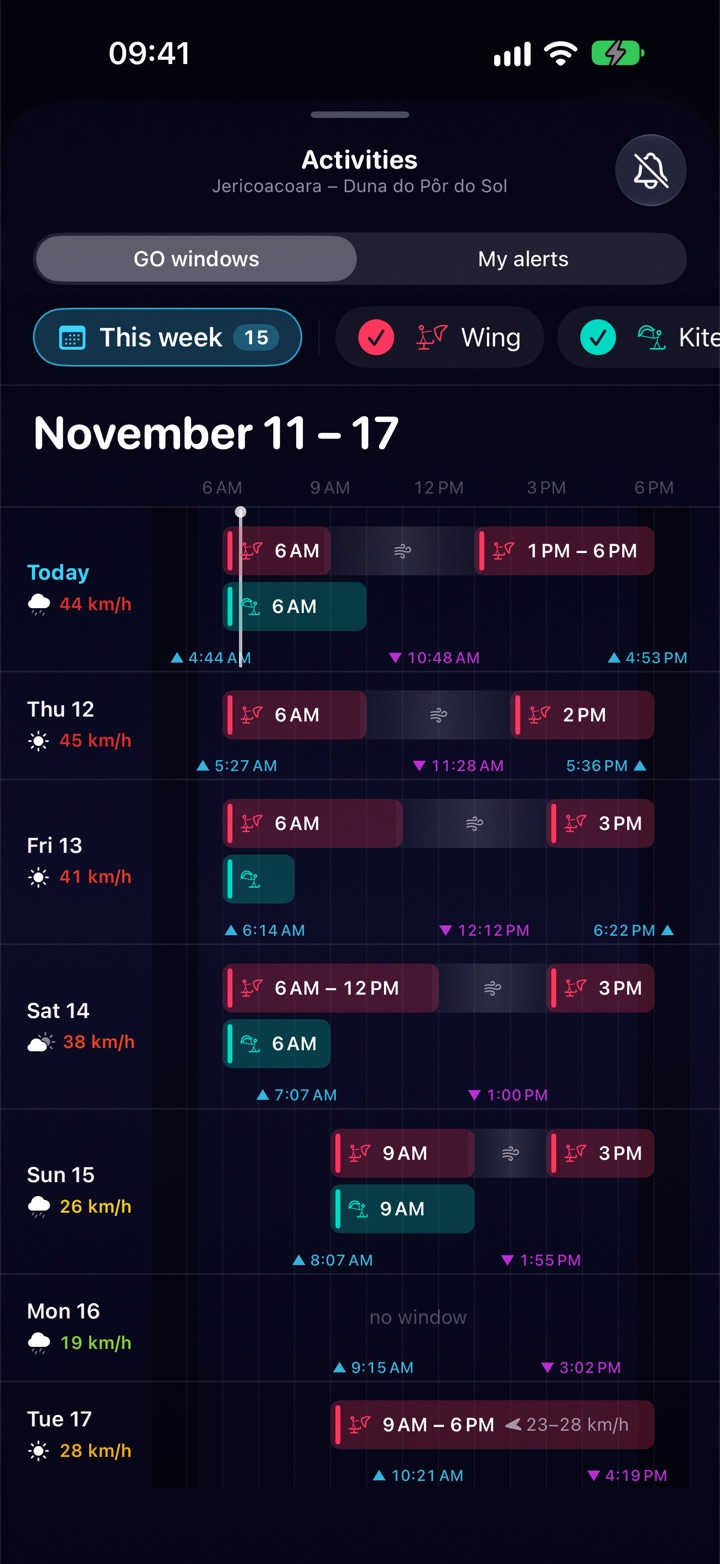
Tide It reads your wind range from your quiver, and on the foil it lowers the bottom of it: you fly where a kite can't pull a board yet. With no kite saved, the standard kitefoil range for your level. And it counts the water: a GO window takes into account the tide height you need under your foil.

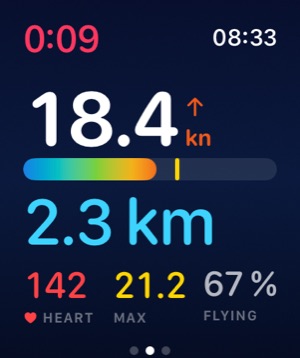
On the Apple Watch, the foil screen shows your top speed, the share of your session spent foiling and your longest flight. In kitefoiling, a take-off counts from 3 seconds above 8 knots.

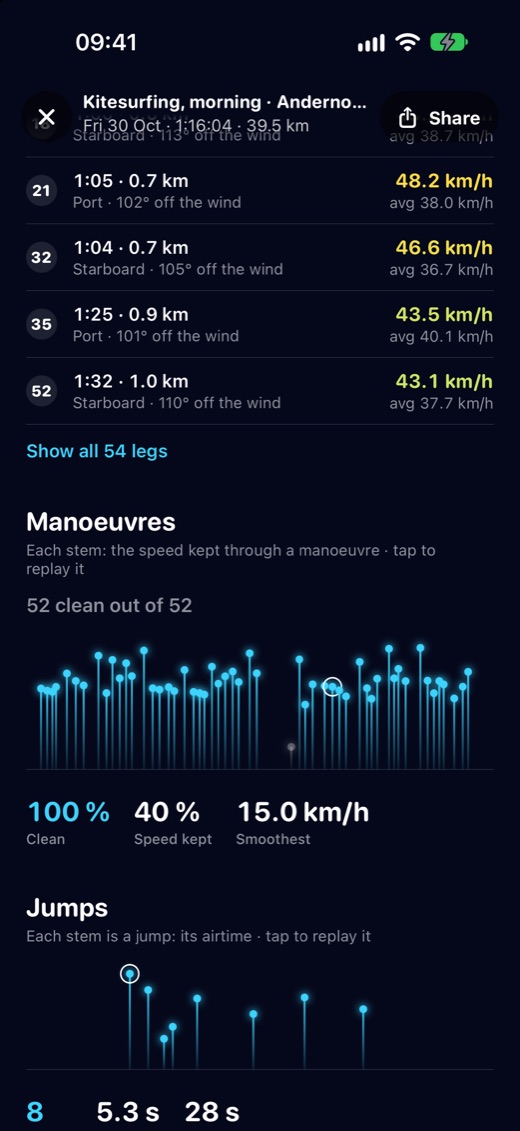
Relive replays your session with the real wind, for free. With Premium, the analysis counts your tacks and jibes and says which ones stayed on the foil, your distance foiling, your best efforts and your polar against the real wind.


Less than for kitesurfing: Tide It lowers the bottom of your kites' range for the foil. With no kite saved, it uses the standard kitefoil range for your level, from beginner to expert.
In kitefoiling you're foiling above 8 knots, and you're back down 1.5 knots lower. A take-off counts if it lasts at least 3 seconds.
On a tidal spot, the GO window takes a minimum water depth into account, set from the spot's tidal range: no window is suggested when the foil would touch the bottom.